
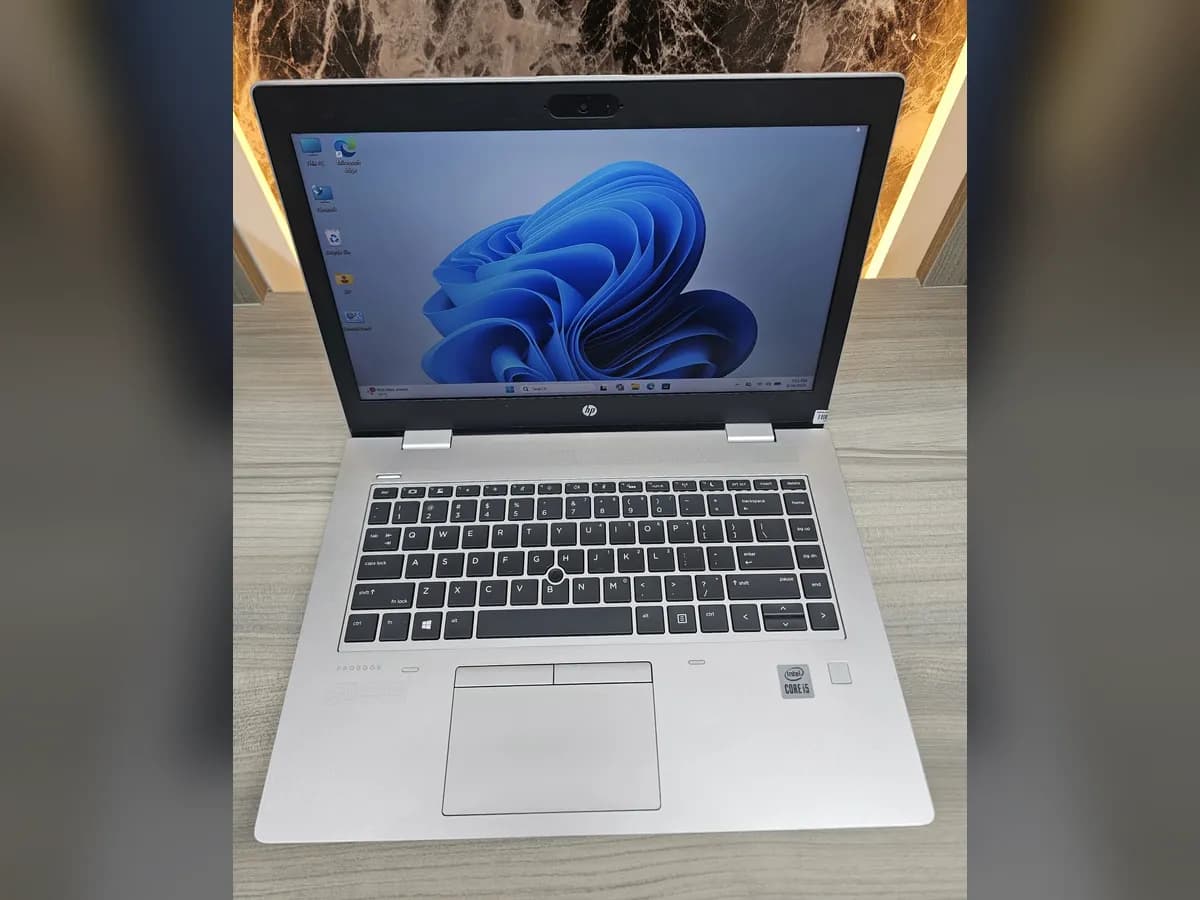
 PRE-OWNED
Buying a used laptop in Qatar: a checklist
A used business laptop can do the same work as a new one for much less. These are the checks worth making before you pay, whether you buy from a shop or a private seller.
Start with what you will use it for
Office work, email, school and video calls need far less than engineering software or video editing. Decide that first, because it sets the processor and memory you need, and those set the price.
Check the specification, not only the brand
- Processor generation: Windows 11 officially supports Intel Core processors from the 8th generation onwards, so an 8th generation or newer chip is the safer choice.
- Memory: 8GB of RAM is enough for everyday work. Choose 16GB if you keep many programs open or use design software.
- Storage: an SSD, not a hard drive. It starts the machine and opens programs many times faster.
- Screen: check the size and the resolution. A full HD screen is easier on the eyes for long days.
Check the machine in person
- Type on the keyboard and use the touchpad for a minute.
- Plug something into every port, and check the charger is included.
- Look at the screen on a white page for dead pixels or marks.
- Ask about the battery. Batteries wear with use and are usually not covered by a warranty, so it is worth knowing how long it lasts.
- Check that Windows is activated.
Ask about the warranty and returns
A private sale usually has neither. A shop should give you an invoice, a warranty and a way to return the machine. At PC Zone every used laptop comes with a 1-year warranty against hardware faults under normal use, and you can return it within 7 days in original condition with the invoice.
Only need it for a short time?
For an event, an exam or a project of a few weeks, renting can make more sense than buying.
Questions
Is a 7th generation laptop still worth buying?
For light office work it can be, at the right price. Windows 11 officially starts at the 8th generation, though, so for a machine you will keep for years an 8th generation or newer processor is the safer choice.
How much RAM do I need?
8GB for office work, browsing and video calls; 16GB for heavy multitasking, design software or programming.
Is the battery covered by the warranty?
At PC Zone, no: the warranty covers hardware faults under normal use, and batteries are a consumable part. Ask how long the battery lasts before you buy.
Used laptops on the shelf now
See all- PRE-OWNED
 PRE-OWNED
- PRE-OWNED
- PRE-OWNED
Talk to the shop
Doha's computer shop, on WhatsApp.
We'll send photos and the full spec of any machine.